Registry overview
Every project gets a private slice of registry.deploys.app for its own application images. Push from CI, pull from your deployments — no extra credentials to plumb around.
The Registry page#
The Registry tab lists every repository in the project. Each repository
groups its tags (named pointers like v1.8.0) and its manifests (the
underlying immutable digests).
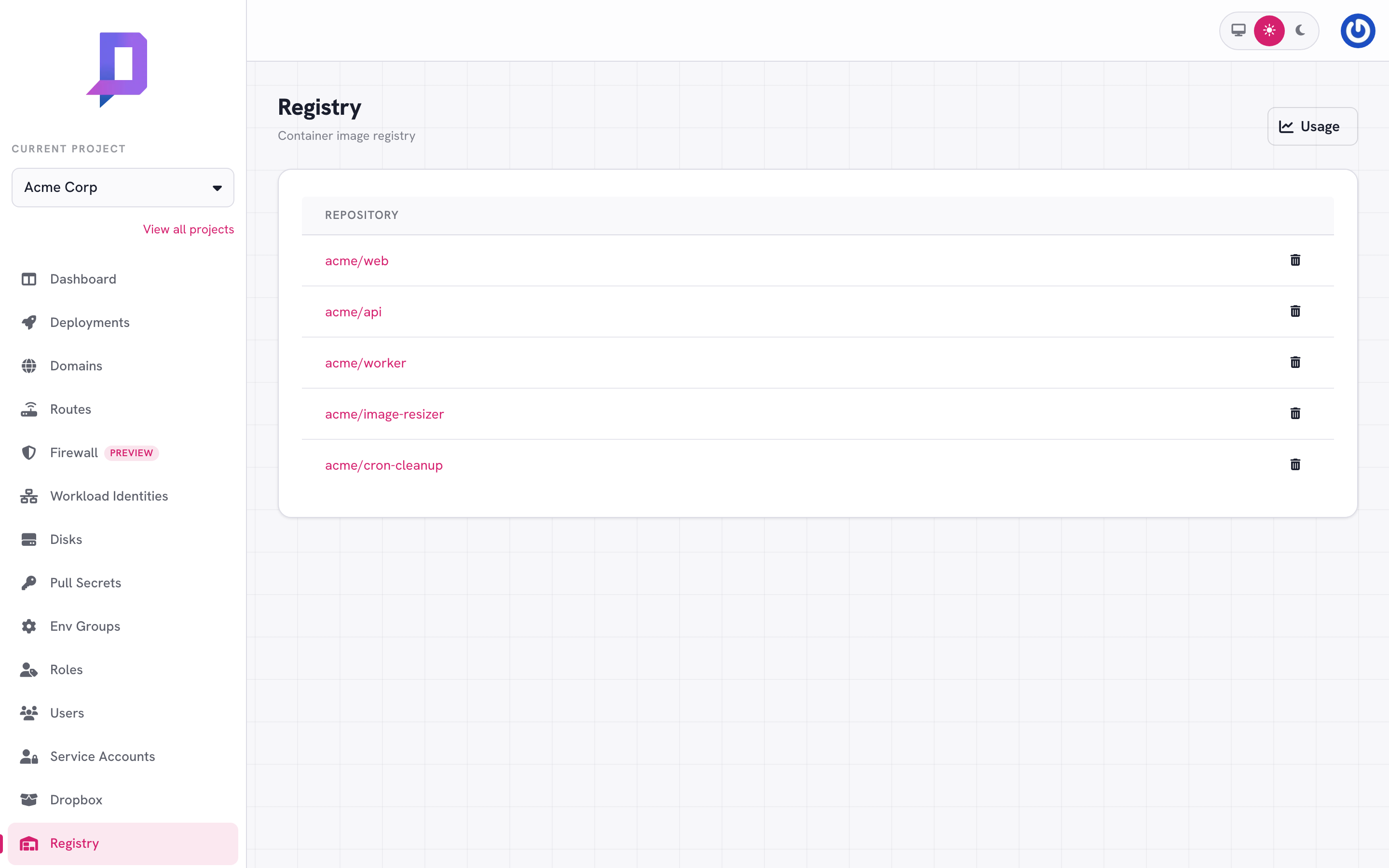
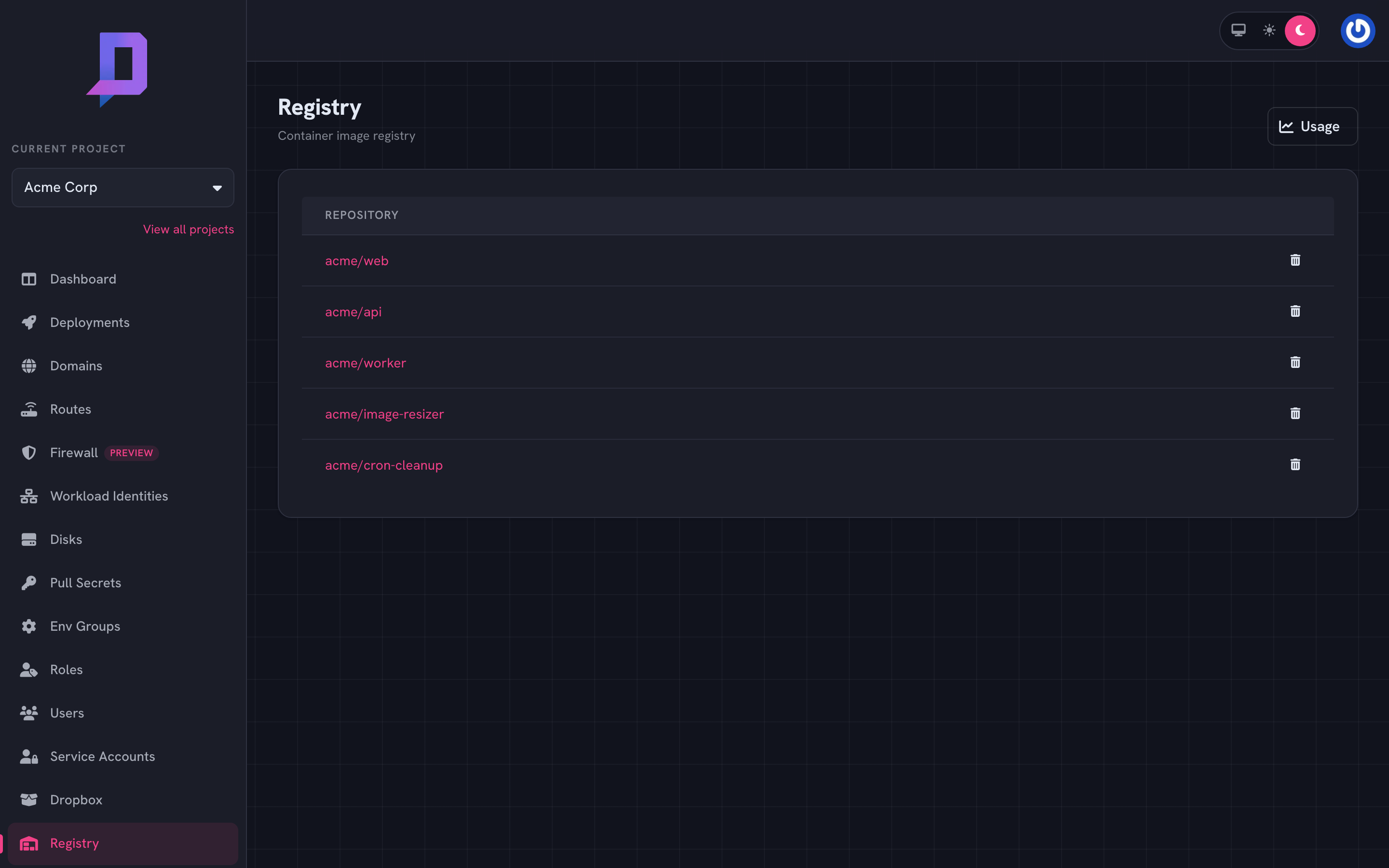
Click into a repository to see its tags and manifests, and to delete tags or the repository itself.
Authentication#
Login with the same credentials you’d use against the API: either a personal OAuth token, or a service-account email and key.
# personal token (short-lived)
docker login registry.deploys.app -u "<your-email>" -p "$DEPLOYS_TOKEN"

# service account (long-lived; the same credentials you use in CI)
docker login registry.deploys.app \
  -u "$DEPLOYS_AUTH_USER" -p "$DEPLOYS_AUTH_PASS"
The username for service accounts is the account email; the password is the key. Generate one from Service accounts → Keys in the console.
Pushing an image#
The repository name is <project>/<name> — the project is your project ID,
the name is whatever you want (matches your deployment names for clarity).
docker tag acme-web:local registry.deploys.app/acme/web:v2.4.1
docker push  registry.deploys.app/acme/web:v2.4.1
The first push to a previously-unseen <project>/<name> creates the
repository implicitly. There’s no separate “create repository” step.
Pulling from a deployment#
Deployments in the same project pull from registry.deploys.app automatically
— the platform injects the right credentials at deploy time. You set
image: registry.deploys.app/<project>/<name>:<tag> in the deploy config and
that’s it.
{
  "name": "api",
  "image": "registry.deploys.app/acme/api:v1.8.0"
}
For images in a different project’s namespace, or in a third-party registry, you need a pull secret.
Tags and manifests#
The console shows two tabs inside a repository:
- Tags — named pointers like
latest,v1.8.0,staging. You can delete a tag without deleting the underlying manifest. - Manifests — the immutable image digests. Each push creates a new manifest (unless the layer set is unchanged); each tag points at one of them.
curl https://api.deploys.app/registry.getTags \
  -H "Authorization: Bearer $DEPLOYS_TOKEN" \
  -d '{ "project": "acme", "repository": "acme/web" }'

curl https://api.deploys.app/registry.getManifests \
  -d '{ "project": "acme", "repository": "acme/web" }'
@sha256:…) instead of by tag whenever you can —
deployments become reproducible and rollbacks always find the right image.
The CI GitHub Action makes this easy via the
docker_build step’s outputs.digest.Storage and quotas#
Storage is metered and billed — see the Usage button in the top-right of the Registry page for the current size of each repository over time. Trim unused tags and manifests to keep the bill in check.
# delete a tag (frees nothing if the manifest is still tagged elsewhere)
curl https://api.deploys.app/registry.untag \
  -d '{ "project": "acme", "repository": "acme/web", "tag": "old-staging" }'

# delete a specific manifest (must be untagged first)
curl https://api.deploys.app/registry.deleteManifest \
  -d '{ "project": "acme", "repository": "acme/web",
        "digest": "sha256:c2f8…" }'