Usage & reports
Three views, each tuned for a different question — “is anything wrong right now?”, “what does this project cost?”, and “how do we split last month between teams?”
The billing report#
The billing report rolls up usage for a billing account across any date range, broken out by project. It’s the view to reach for at month-end, or when splitting costs between teams.
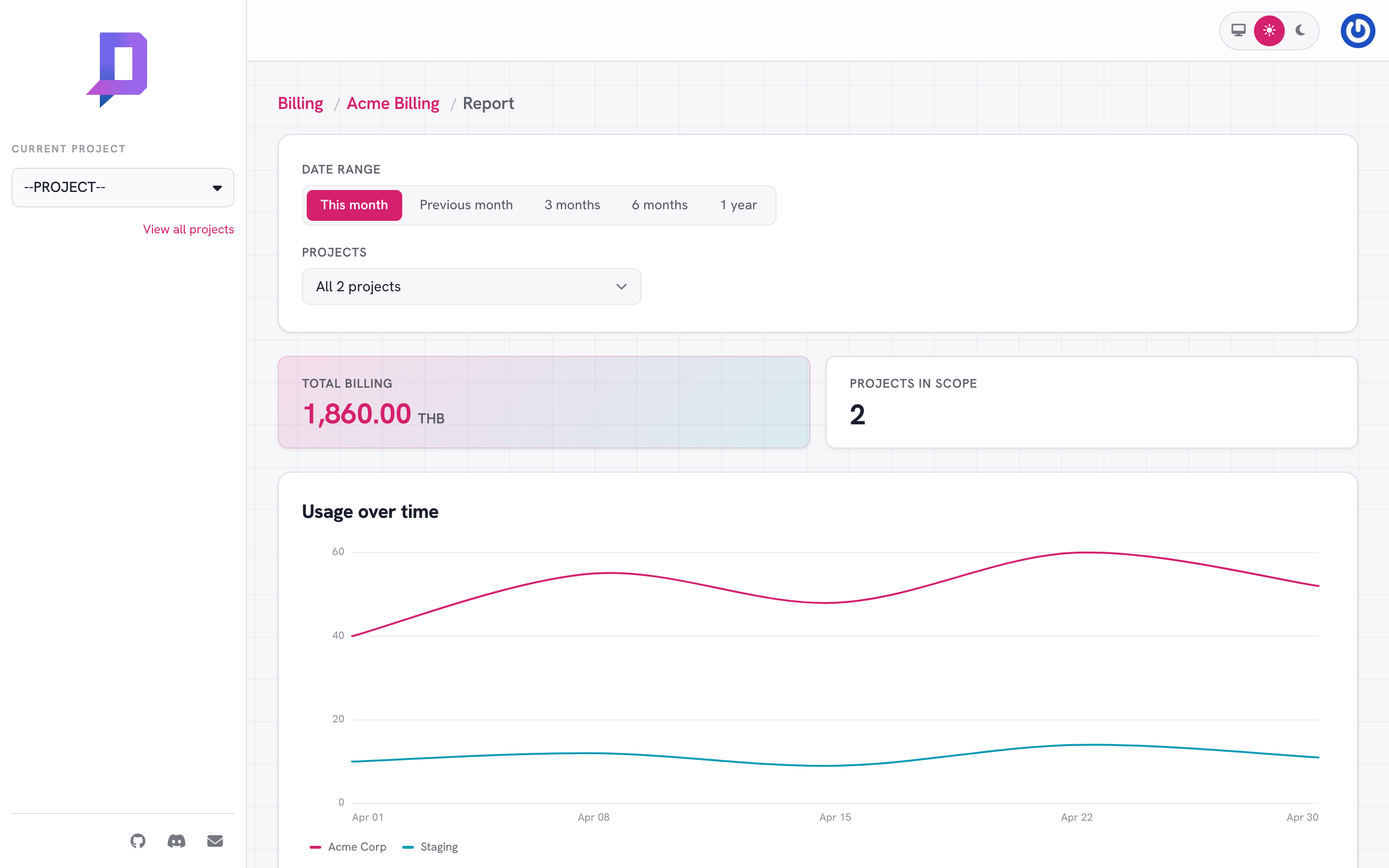
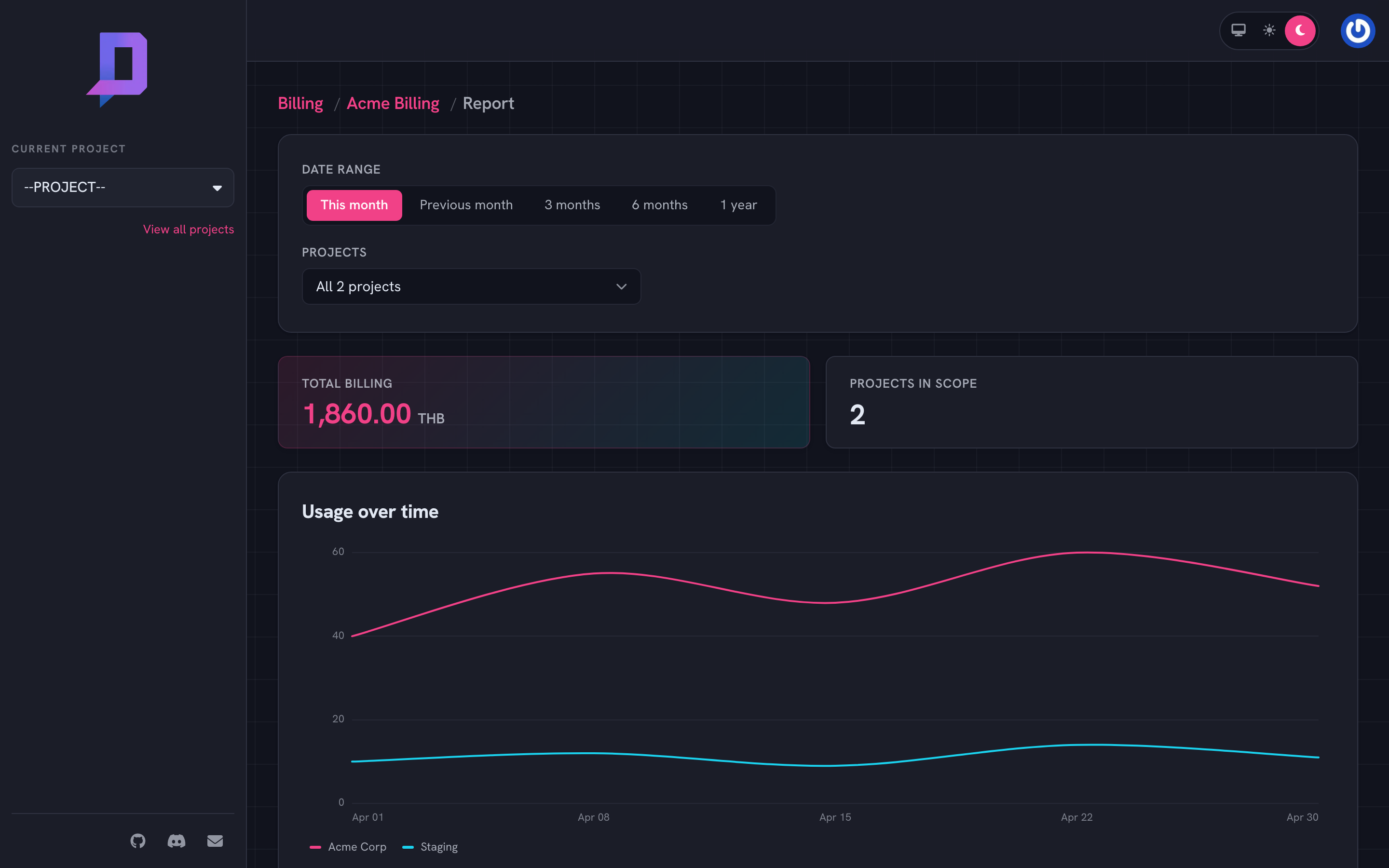
Controls:
- Date range — preset tabs (This month, Previous month, 3/6/12 months) or a custom from/to.
- Projects — all projects under the billing account by default; pick a subset to focus.
The chart plots daily allocated cost over the range, one line per project. Below it, the report breaks down totals per project and per resource type.
curl https://api.deploys.app/billing.report \
  -H "Authorization: Bearer $DEPLOYS_TOKEN" \
  -d '{
    "billingAccount": "ba_…",
    "from": "2026-05-01T00:00:00Z",
    "to":   "2026-06-01T00:00:00Z"
  }'
Per-project usage#
project.usage returns current month-to-date totals for a single project,
broken down by resource. The project dashboard in the console reads from the
same call.
deploys project usage --project acme
This is the right call for “is this project on track?” and for embedding a cost widget in your own dashboards.
Live allocated price#
Each deployment exposes an allocated price field that is the
monthly-equivalent cost of its resources.requests at its current replica
count, computed in real time. You’ll see it on the deployment Details tab.
The same number rolls up to the project dashboard — a quick sanity check that nothing exploded after a deploy. Pause anything in trouble while you investigate.
Invoices#
Invoices are the canonical billed total for a closed period. They live under Billing → Invoices and are addressable from the API too:
curl https://api.deploys.app/billing.listInvoices \
  -d '{ "id": "ba_…" }'

curl https://api.deploys.app/billing.getInvoice \
  -d '{ "id": "inv_…" }'

curl https://api.deploys.app/billing.downloadInvoice \
  -d '{ "id": "inv_…" }'        # returns a URL to the PDF
The PDF is the document to forward to your finance team — the line items match the report shown in the console.
Patterns#
- Tag costs by environment by splitting
acmeandacme-staginginto separate projects under the same billing account. Run the report grouped by project to see the split. - Cross-charge teams by giving each team its own project under a shared billing account; export the report monthly as the chargeback ledger.
- Catch runaway costs by exporting
project.usageto your dashboard and alerting on the daily delta — a sudden jump is almost always a misconfigured deployment or a stuck job.