Service accounts
A service account is a project member that isn’t a person. It can hold roles, sign requests, and own long-lived keys — perfect for CI, monitoring exporters, and back-end tools that talk to the API.
The Service Accounts page#
The Service Accounts tab lists every machine identity in the project — its email, name, and description.
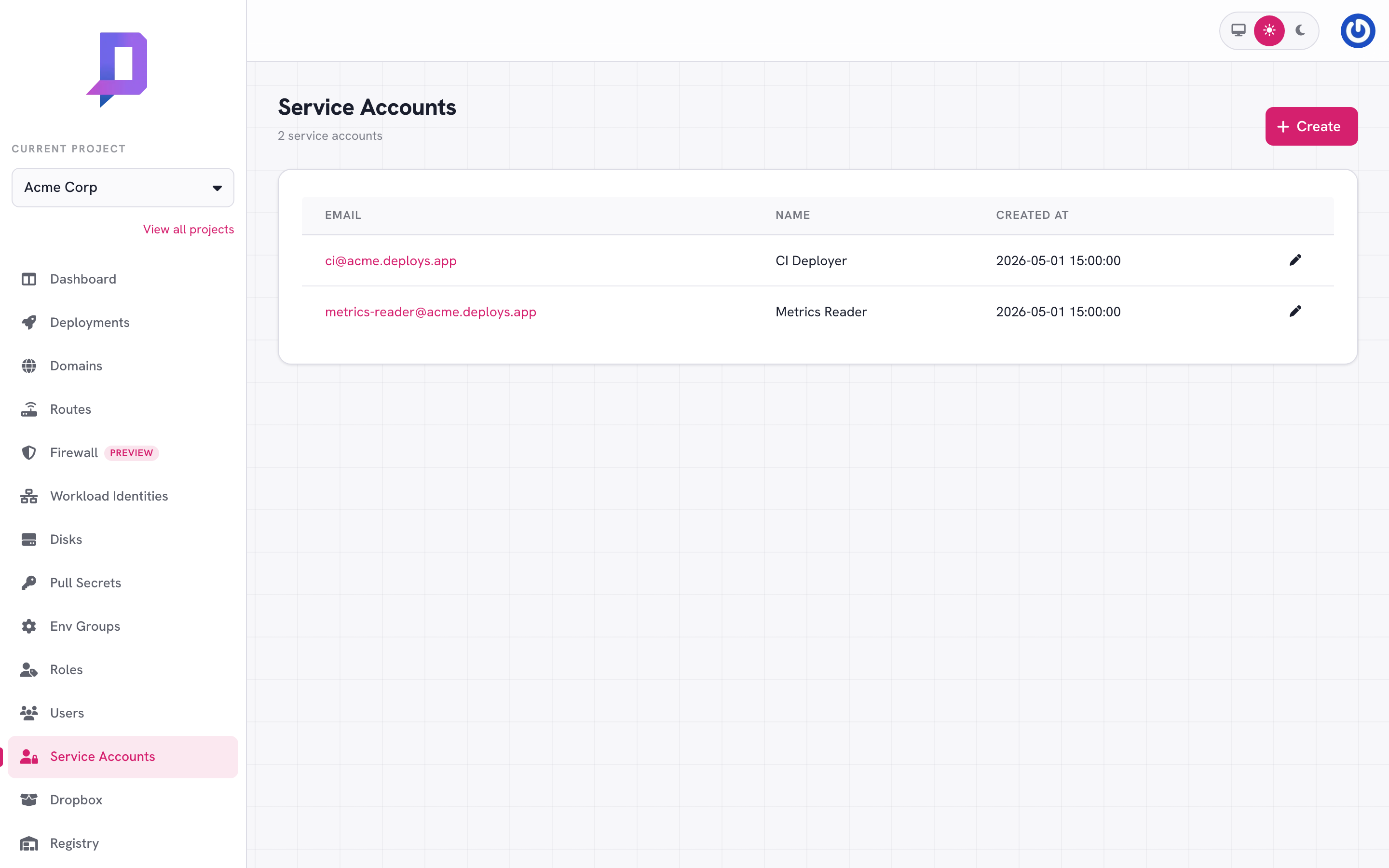
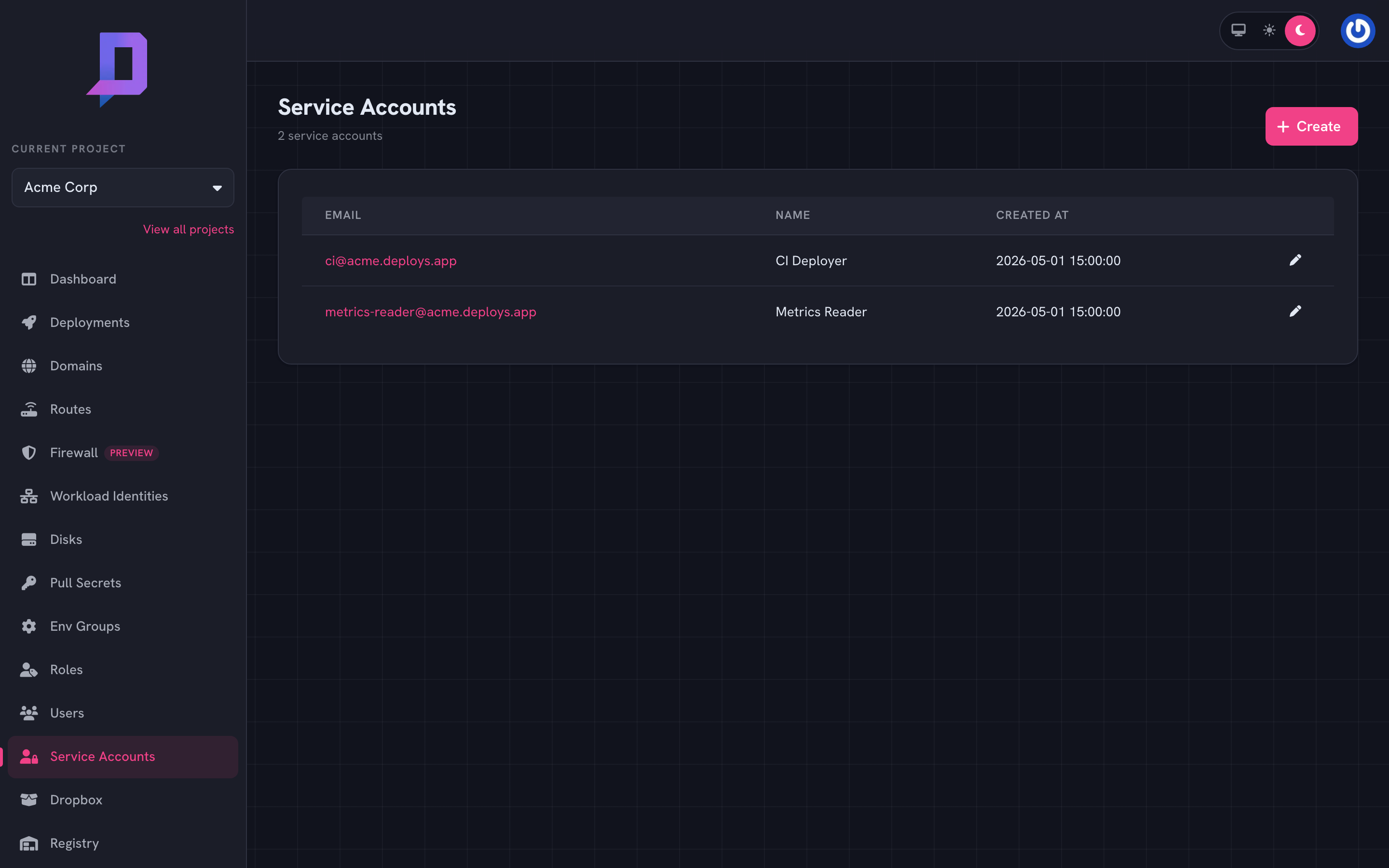
Click into one for its keys and current bindings.
Create a service account#
You pick the ID; the email is generated from it as <id>@<project>.deploys.app.
deploys serviceaccount create \
  --project acme \
  --id ci \
  --name "CI Deployer" \
  --description "Used by GitHub Actions to deploy services"
Service accounts start with no permissions. Bind a role to the account’s email before it can do anything useful:
deploys role grant \
  --project acme --role deployer \
  --email ci@acme.deploys.app
Create a key#
Roles say what the account can do; a key lets it prove who it is.
deploys serviceaccount createkey --project acme --id ci
The response contains the key — store it now, because the API never reveals it again. The console’s key creation flow shows the same one-time-display value.
A service account can hold multiple keys; rotate by creating a new one, distributing it, and deleting the old.
deploys serviceaccount deletekey --project acme --id ci
Use the credentials#
The credentials are a pair: the account email as the username, the key as the password. They go in environment variables that every authenticated tool understands:
export DEPLOYS_AUTH_USER=ci@acme.deploys.app
export DEPLOYS_AUTH_PASS=…the key…
The deploys CLI, the GitHub Action, and direct
API calls (via HTTP Basic) all accept these.
# direct API call
curl https://api.deploys.app/deployment.list \
  -u "$DEPLOYS_AUTH_USER:$DEPLOYS_AUTH_PASS" \
  -d '{ "project": "acme", "location": "gke.cluster-rcf2" }'

# or with bearer if you've exchanged the key for a token elsewhere
curl https://api.deploys.app/deployment.list \
  -H "Authorization: Bearer $DEPLOYS_TOKEN" \
  -d '{ "project": "acme", "location": "gke.cluster-rcf2" }'
Update or delete#
deploys serviceaccount update \
  --project acme --id ci \
  --name "CI Deployer (revoked 2026-05-28)"

deploys serviceaccount delete --project acme --id ci
Deleting a service account invalidates all of its keys and removes its role bindings.
Common patterns#
- One service account per environment + workflow.
ci@acmefor the staging deploy job,ci@acme-prodfor production. Keep blast radius small and rotation easy. - One service account per integration.
metrics-readerreads metrics,audit-exporterreads the audit log. Each has just the role it needs and its credentials can be revoked independently. - Bind to multiple projects. A service account is created in one project, but you can bind it (by email) to roles in other projects — useful for shared CI that deploys to staging and production both.