Roles & permissions
A role names a set of permissions. To grant access you create a role, bind it to a user or service account, and the platform checks the permission on every API call.
The Roles page#
The Roles tab lists every role in the project — built-in (viewer, admin)
and any you’ve defined.
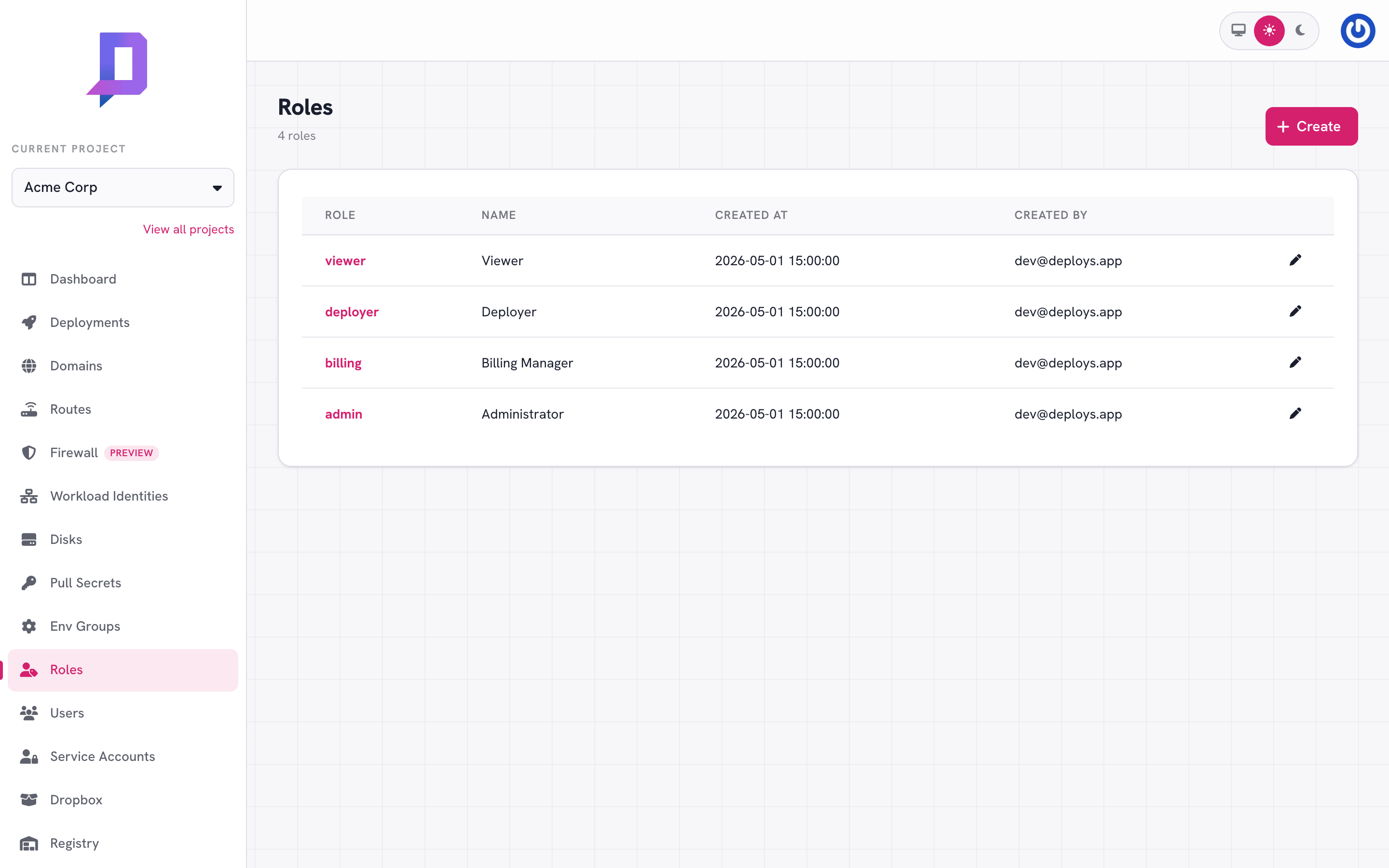
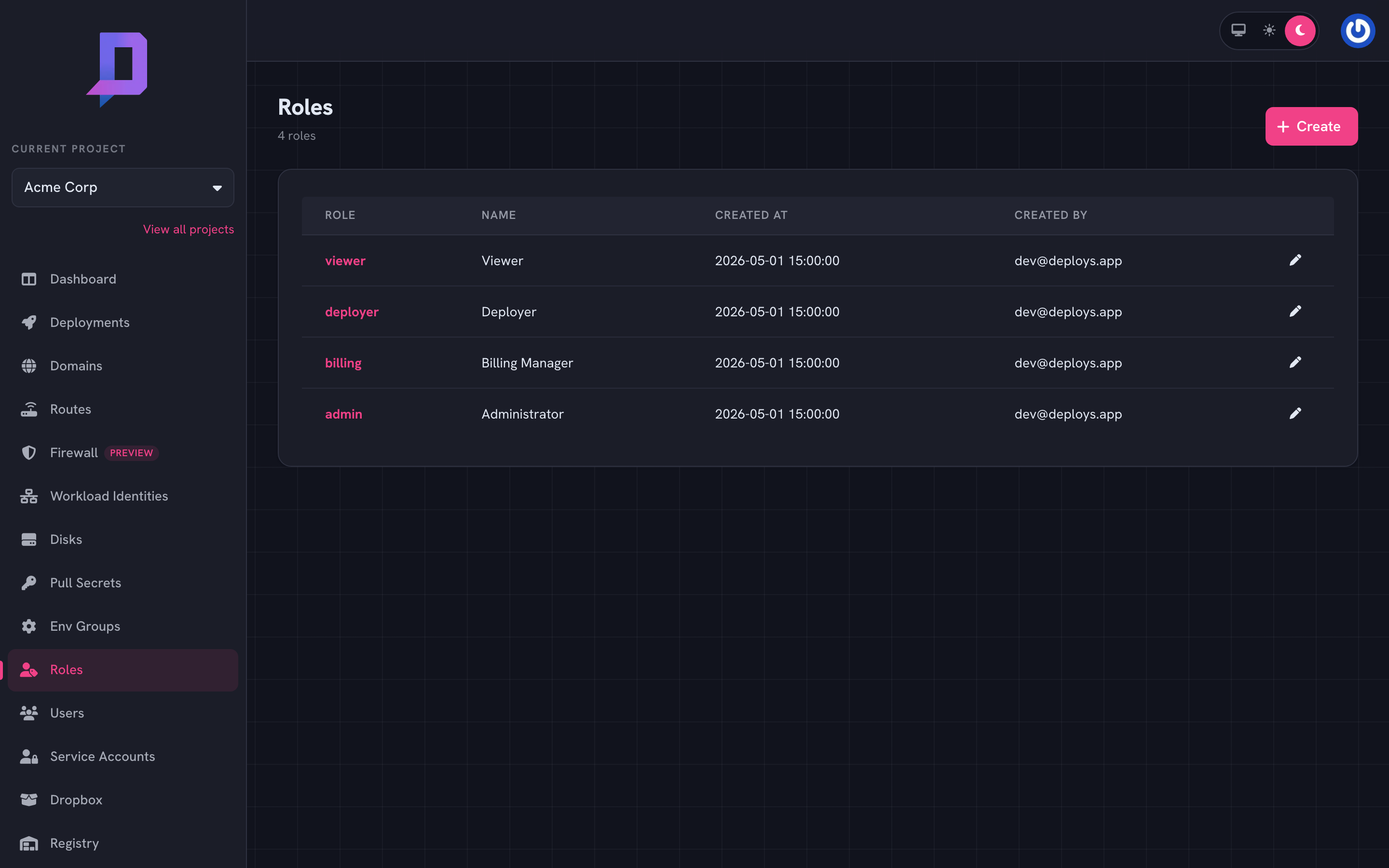
Built-in roles#
viewer— read-only across the project. Members can list and get every resource type but can’t change anything.admin— full control. The single permission*covers everything, including granting other people roles.
These exist by default — you can’t delete them.
Custom roles#
Create a role with the exact permissions you want:
deploys role create \
  --project acme \
  --role deployer \
  --name "Deployer" \
  --permissions "project.get,deployment.list,deployment.get,deployment.deploy,registry.list"
The --permissions flag takes a comma-separated list of API function names.
Each function name (e.g. deployment.deploy) is one permission — the same
string you’d POST to as https://api.deploys.app/<permission>.
The most useful permissions:
| Group | Permissions |
|---|---|
| Project | project.get, project.update, project.delete, project.usage |
| Deployment | deployment.list, deployment.get, deployment.deploy, deployment.delete, deployment.pause, deployment.resume, deployment.rollback, deployment.metrics, deployment.revisions |
| Domain | domain.list, domain.get, domain.create, domain.delete, domain.purgeCache |
| Route | route.list, route.create, route.delete |
| Disk | disk.list, disk.get, disk.create, disk.update, disk.delete |
| Registry | registry.list, registry.delete, registry.deleteManifest, registry.untag |
| Pull secret | pullSecret.list, pullSecret.create, pullSecret.delete |
| Role | role.list, role.create, role.delete, role.bind |
| Service account | serviceAccount.list, serviceAccount.create, serviceAccount.delete, serviceAccount.createKey |
| Billing | billing.get, billing.report, billing.listInvoices |
| Audit | auditLog.list |
The wildcard * matches everything.
Binding roles#
Bind a role to a user by email, or to a service account by email:
# add a role to someone
deploys role grant \
  --project acme --role deployer \
  --email engineer@acme.dev

# bind a user to a list of roles in one call (replaces their current set)
deploys role bind \
  --project acme \
  --email engineer@acme.dev \
  --roles "deployer,billing"

# revoke a single role
deploys role revoke \
  --project acme --role admin --email old-admin@acme.dev
A person who has been granted access for the first time gets an email invite.
Once they sign in, the next role.users call shows their email under the
project.
Listing who has what#
deploys role users --project acme
Returns every email bound to the project with the role IDs they hold. Useful for periodic audits — pipe it into a script, diff against an expected list, alert on drift.
Permission resolution#
Permissions are additive: if any role bound to a principal grants the permission, the call succeeds. There’s no explicit deny. To remove a permission, remove the role that grants it.
The audit log records permission denials too — failed calls show up with
outcome: forbidden.
Patterns#
- Deployer for CI, restricted to
deployment.deployand the read calls needed to inspect status. CI never needs to manage roles or delete projects. - Viewer for the on-call rotation, plus
deployment.metricsandauditLog.listif you want them to debug without changing anything. - Operator with everything except
project.delete,role.bind, andserviceAccount.createKey. Day-to-day powerful, but can’t change who has access or generate new machine credentials.
Keep admin to the smallest practical group; everyone else gets a tailored
role.