Projects
Projects are the top-level container for everything you build on Deploys.app. Every resource — deployment, domain, disk, role, service account — belongs to exactly one project.
The Projects page#
The Projects page lists every project you have access to. Each card shows the project name, ID, and a shortcut into it. The “+ New project” tile starts a fresh project.
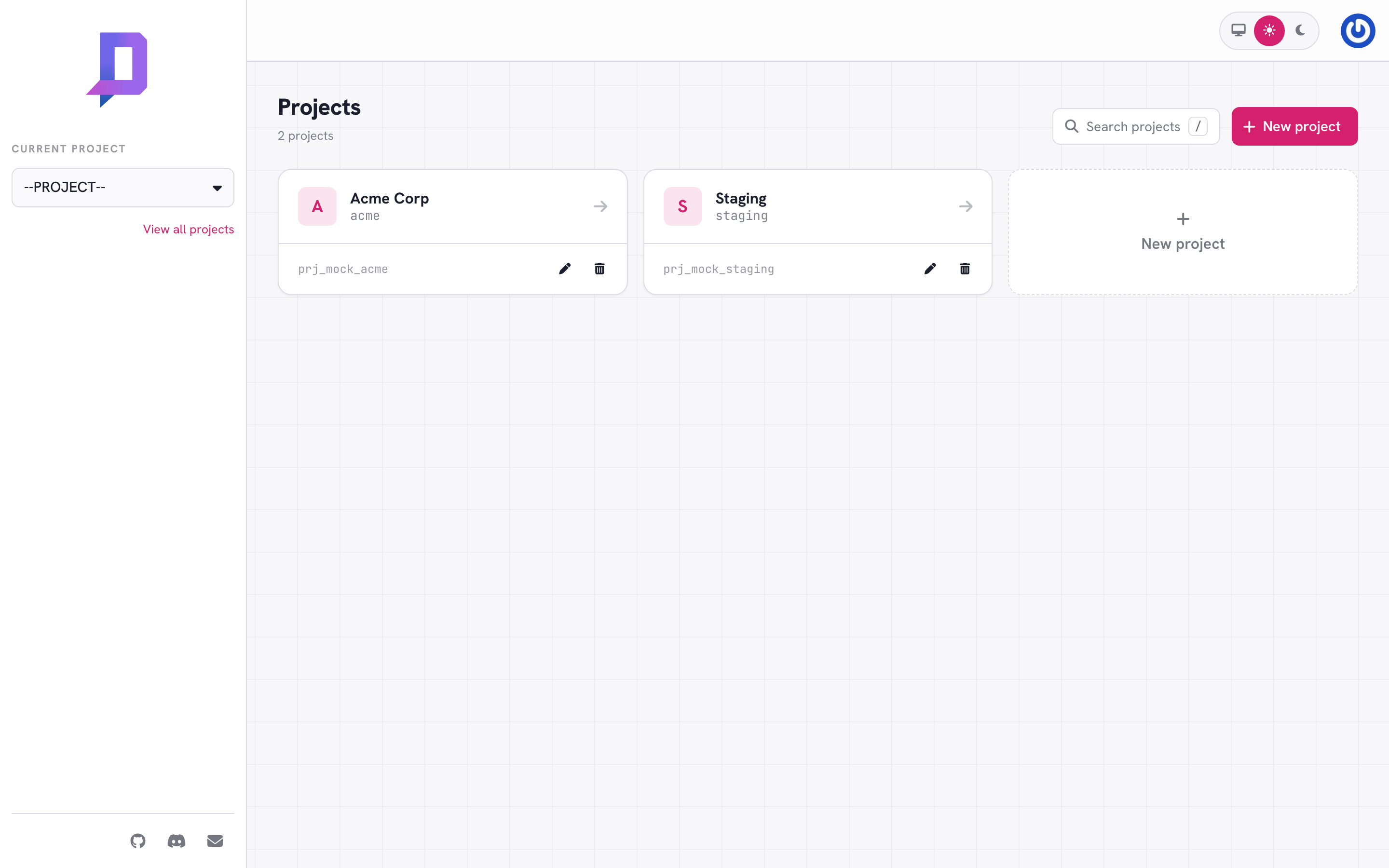
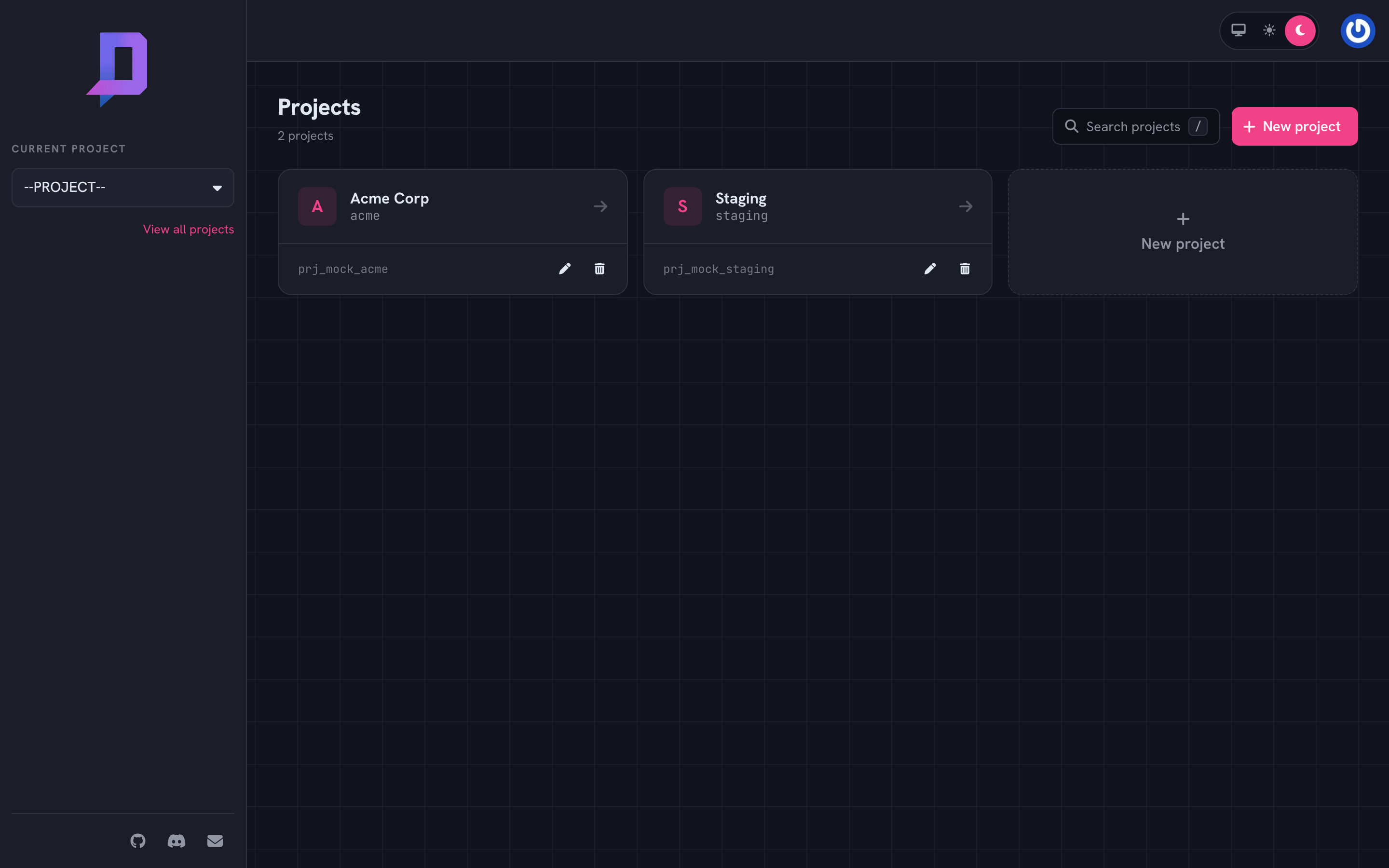
The sidebar’s Current Project dropdown switches between projects in any project-scoped page. The selection is remembered in a cookie so the next session lands on the same project.
Create a project#
A project needs:
- ID — a short string, lowercase letters/digits/hyphens. It can’t be changed later and it appears in every API call.
- Name — a human label shown in the console.
- Billing account — the cost center invoices roll up to. You can create a project in an empty billing account and add billing later, or attach an existing one at creation.
deploys project create \
  --id acme --name "Acme Corp" --billingaccount 1024
After creation, the project is empty. Add a role, invite teammates, create a billing account if you didn’t pick one, and you’re ready to deploy.
Project-level settings#
Two things live on the project itself, outside any specific resource:
- Quotas — caps on what the project can use (max deployments, max replicas
per deployment). Set on the project record; visible from
project.get. - Config — feature toggles. Today the main one is
domainAllowDisableCdn, which controls whether domains in this project can turn CDN off.
deploys project get --project acme
Listing usage#
deploys project usage --project acme
Returns the project’s current monthly usage rolled up by resource type. The same data drives the project dashboard and feeds the billing report.
Deleting a project#
A project can be deleted only when it’s empty — every deployment, domain, disk, registry repository, and service account inside it must already be gone. This is intentional: deleting a project should never silently nuke data.
deploys project delete --project acme
The audit log retains a record of the project and its activity even after deletion.
Patterns#
One project per environment. A common split is acme (production) and
acme-staging (staging). They live under the same billing account but their
resources, secrets, and roles are isolated.
One project per product. Multi-product teams often run web, data, and
platform as separate projects, each with its own roles and on-call rotation.
Cross-project access uses service accounts bound
in both projects.